
Run the federal Loan Simulator for student loan repayment and enroll in the income-driven repayment plan that fits your goal, or contact your servicer today if you cannot pay. Comparing your options takes a few minutes and can lower your monthly bill. If you are behind or about to fall behind, call your servicer now: waiting only narrows your options and risks default.
TL;DR:
- Standard and Extended plans suit steady incomes; Graduated payments rise every two years, while income based plans fit lower income borrowers and PSLF seekers.
- The Loan Simulator compares up to three plans using your loan details; verify loan types and disbursement dates, because eligibility and estimates depend on them.
- Unsubsidized and PLUS loans accrue interest during grace periods, deferment, and forbearance; unpaid interest may capitalize, while subsidized loans avoid interest during the grace period.
- Apply for an income driven plan about 60 days before your grace period ends, then recertify yearly; missed recertification can restore standard payments and capitalize interest.
- Federal loans can default after about 270 missed days; rehabilitation removes the credit mark after nine voluntary, on time payments within 10 months.
Table of Contents
- Which student loan repayment plan fits your situation?
- How do you compare repayment plans before choosing one?
- When does repayment start and how does interest accrue?
- What should you do if you can’t afford your payments?
- What happens if you default, and how do you recover?
- How do you enroll in and recertify an IDR plan?
- Building a repayment plan that actually fits your budget
- Our take on managing student loan repayment
- Build your repayment plan with our budgeting tools
- FAQ
- Sources
Which student loan repayment plan fits your situation?
Federal repayment plans fall into two camps. Fixed-term plans, Standard, Graduated, and Extended, keep payments on a set schedule and pay off your balance faster but with less flexibility. Income-driven repayment (IDR) plans, including RAP, PAYE, IBR, and ICR, set your payment based on income and family size, and some can lead to forgiveness after a set number of years.
Here is who tends to benefit from each approach:
- Standard or Extended plans suit borrowers with steady, higher incomes who want to pay off debt quickly and minimize total interest.
- Graduated plans fit borrowers expecting income growth, since payments start low and rise over time.
- IDR plans work best for borrowers with lower income relative to debt, or anyone pursuing Public Service Loan Forgiveness (PSLF).
Eligibility for each plan depends on your loan type and disbursement date, according to federal repayment plan guidance. Starting July 1, 2026, the Repayment Assistance Plan (RAP) and a new Tiered Standard Plan take effect, and servicer resources point borrowers to current IDR plan options for details on how these additions affect existing plans.
How do you compare student loan repayment plans before choosing one?
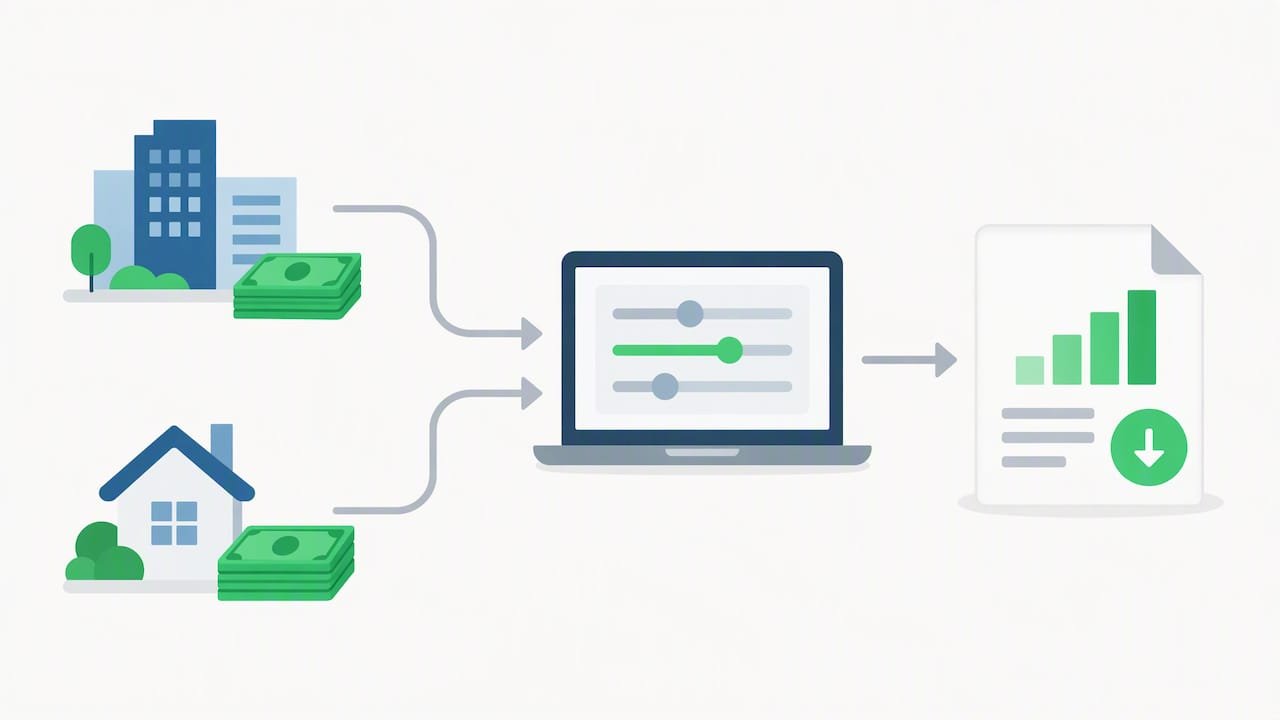
The Loan Simulator is the most reliable way to see what each plan actually costs you. It pulls your real loan details and compares up to three repayment plans side by side, tagging results like “Lowest Total Payment Over Time” based on your actual loan data.
- Log in at StudentAid.gov with your FSA ID so the tool can access your loan history.
- Confirm your loan types and disbursement dates are accurate, since these affect which plans you qualify for.
- Compare monthly payment, total paid over the life of the loan, payoff date, and forgiveness estimate across plans.
- Note payment volatility, especially with Graduated plans, where payments increase every two years.
Prioritize the lowest monthly payment if cash flow is tight, the lowest total paid if you can afford more now, and forgiveness eligibility if you work in public service. Keep in mind these are estimates, not guarantees, since income and family size changes shift your actual payment.
Pro Tip: Run the Loan Simulator again every time your income changes significantly, not just at recertification.
When does student loan repayment start and how does interest accrue?
Most federal loans carry a six-month grace period after you leave school, though some PLUS loans have none. Your servicer sends a billing statement roughly 21 days before your first due date, and payments continue on a monthly cycle after that.
- Interest accrues daily during your grace period, deferment, or forbearance on unsubsidized and PLUS loans.
- Unpaid interest can capitalize, meaning it gets added to your principal, which increases future interest charges.
- Subsidized loans do not accrue interest during the grace period, but unsubsidized loans do.
- Enrolling in auto-pay often qualifies you for a small interest rate reduction, though you should confirm the current discount with your servicer, as detailed in federal preparation guidance.
What should you do if you can’t afford your student loan repayments?
Contact your servicer immediately and run the Loan Simulator before you miss a payment. According to Consumer Financial Protection Bureau guidance, servicers can switch you to an IDR plan, offer deferment or forbearance, or walk you through consolidation, and acting early preserves more options than waiting until you are already behind.
- Enroll in an IDR plan to lower your monthly payment based on income, which may also preserve PSLF eligibility.
- Gather recent tax returns or pay stubs now, since you will need them for enrollment and annual recertification.
- Use deferment or forbearance only as a short-term bridge, since interest keeps accruing and can capitalize.
- Consider consolidation carefully: it can simplify multiple loans into one payment but may increase total interest and affect forgiveness credit you have already earned.
- Seek help only from your servicer or nonprofit credit counselors, never from companies charging upfront fees for free federal services.
Pro Tip: Save every email and document you get from your servicer. If a dispute comes up later, your own records matter more than a phone call you can’t prove happened.
What happens if you default, and how do you recover?
Federal loans typically enter default after about 270 days of missed payments, which can trigger wage garnishment, Treasury offset of tax refunds, and serious credit damage, according to federal default guidance.
- Rehabilitation requires nine on-time, voluntary payments within 10 consecutive months plus a signed agreement, but it removes the default from your credit history once completed, per rehabilitation guidance.
- Consolidation can bring your loans out of default faster, but the default notation may still appear on your credit report and often adds to your total interest cost.
- If collections have started, contact your servicer immediately to discuss rehabilitation or consolidation and stop further garnishment.
How do you enroll in and recertify an IDR plan?
Enrolling takes less time than most borrowers expect once you have the right documents ready.
- Gather your FSA ID, recent tax returns or pay stubs, and a list of your federal loans.
- Apply at StudentAid.gov/idr or through your servicer’s portal, and authorize IRS data retrieval to speed up processing.
- Confirm your enrollment and download the confirmation PDF for your records.
- Apply about 60 days before your grace period ends to avoid a gap in coverage.
- Opt into automatic recertification where offered, and set a yearly calendar reminder anyway, since missing recertification can revert you to the standard plan and capitalize unpaid interest, according to servicer IDR resources.
Building a student loan repayment plan that actually fits your budget
Official tools tell you what plan to choose. A simple budget tells you how to make it work month to month. Try a two-column budget: fixed costs (rent, insurance, minimum loan payment) on one side, adjustable costs (dining out, subscriptions, discretionary spending) on the other. The gap you find in the adjustable column is your extra payment room.
A practical starter sequence: run the Loan Simulator, choose your plan, enroll, then turn on auto-pay and save your confirmation. From there, small moves compound: an extra $20 toward principal each month, free budgeting apps to track spending, and a recurring reminder for annual recertification.
- Review your budget monthly, since income and expenses shift more than most people expect.
- Automate what you can, including payments and recertification reminders, so you’re not relying on memory alone.
- Track extra principal payments separately so you can see progress and stay motivated.
Pro Tip: Even an extra $25 a month toward principal, applied consistently, reduces the total interest you pay over the life of the loan.
Our take on managing student loan repayment
Many borrowers assume their only options are to pay in full or struggle silently, but federal programs exist precisely for people in between. Small, consistent actions, like running the Loan Simulator or setting a recertification reminder, preserve far more financial flexibility than most people realize. We built our approach around clarity because confusion is often what keeps people stuck longer than they need to be.
— Win Personal Finance
Build your repayment plan with our budgeting tools
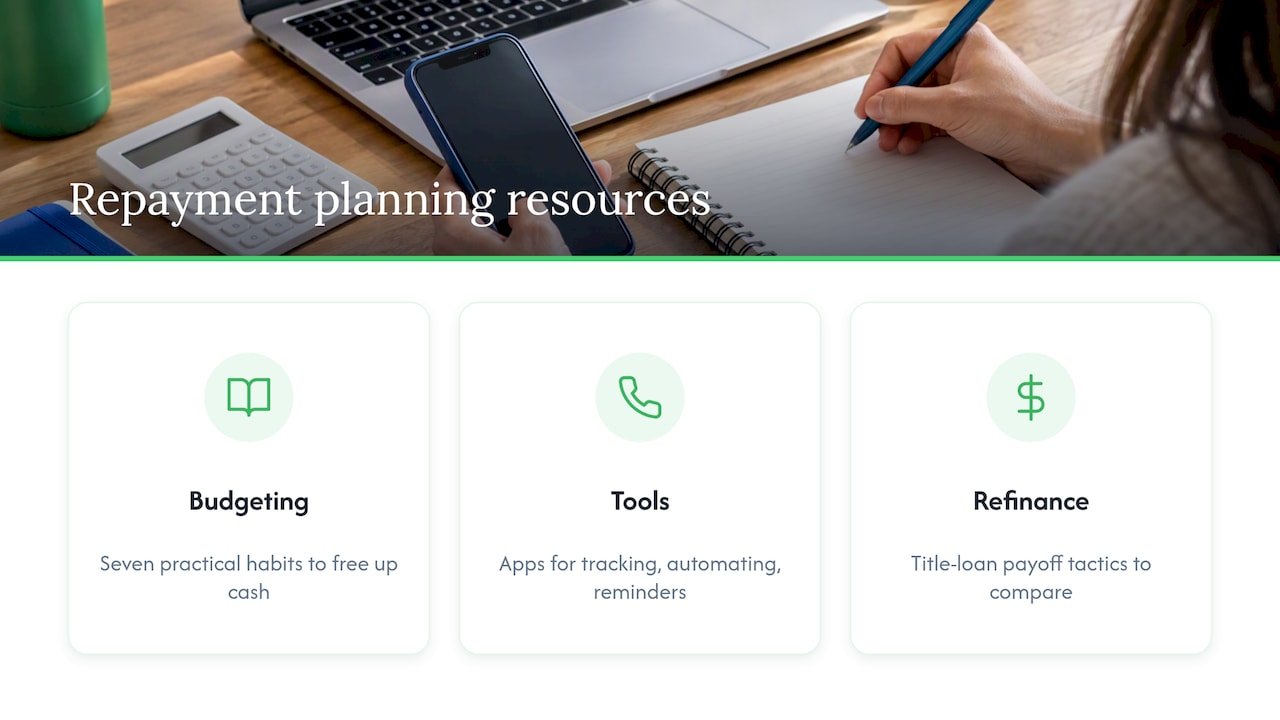
We focus on turning official guidance into steps you can actually follow, complementing the federal tools discussed above. Our budgeting habits guide walks through seven practical habits for freeing up cash, and our roundup of free financial wellness tools covers apps for tracking spending, automating payments, and setting reminders so nothing slips through the cracks.

If private loans or high-cost debt are part of your situation, resources like title loan refinance strategies can offer payoff tactics worth comparing. We offer information and tool recommendations, not licensed financial planning, so for complex situations, pair our guidance with your servicer or a qualified advisor.
Visit Win Personal Finance to explore more guides on budgeting, debt reduction, and building financial habits that stick.
This article is general information, not a substitute for advice from a qualified financial advisor. Consult a qualified financial professional about your own circumstances before acting on anything here.
FAQ
Is loan forgiveness changing under new federal rules?
Policy around broad loan forgiveness has shifted repeatedly, and no current program offers blanket cancellation for all borrowers. The most reliable path to forgiveness remains structured programs like PSLF or IDR plan forgiveness after the required payment term, so check StudentAid.gov for the latest program rules before counting on forgiveness.
What are the new student loan repayment rules starting in 2026?
Starting July 1, 2026, the Repayment Assistance Plan (RAP) and a new Tiered Standard Plan become available to borrowers, according to servicer IDR resources. These additions change the IDR landscape, so running the Loan Simulator again closer to that date helps confirm how they affect your specific payment.
How much would the monthly payment be on a $70,000 student loan?
The exact payment depends heavily on your interest rate, repayment plan, and loan term, so there is no single fixed answer. The most accurate way to estimate your payment is to enter your real loan details into the federal Loan Simulator, which calculates payment, total cost, and payoff date based on your actual loans.
What should I do if I’m worried about falling into default?
Contact your servicer as soon as you anticipate trouble, since options like IDR enrollment, deferment, or forbearance are far easier to arrange before you miss a payment, per CFPB guidance. If you have already missed payments, ask about rehabilitation or consolidation to avoid wage garnishment and Treasury offset.
Sources
- Compare Student Loan Repayment Plans With Our Student Loan Calculator – Federal Student Aid
- Options for repaying your federal and private student loans | Consumer Financial Protection Bureau